
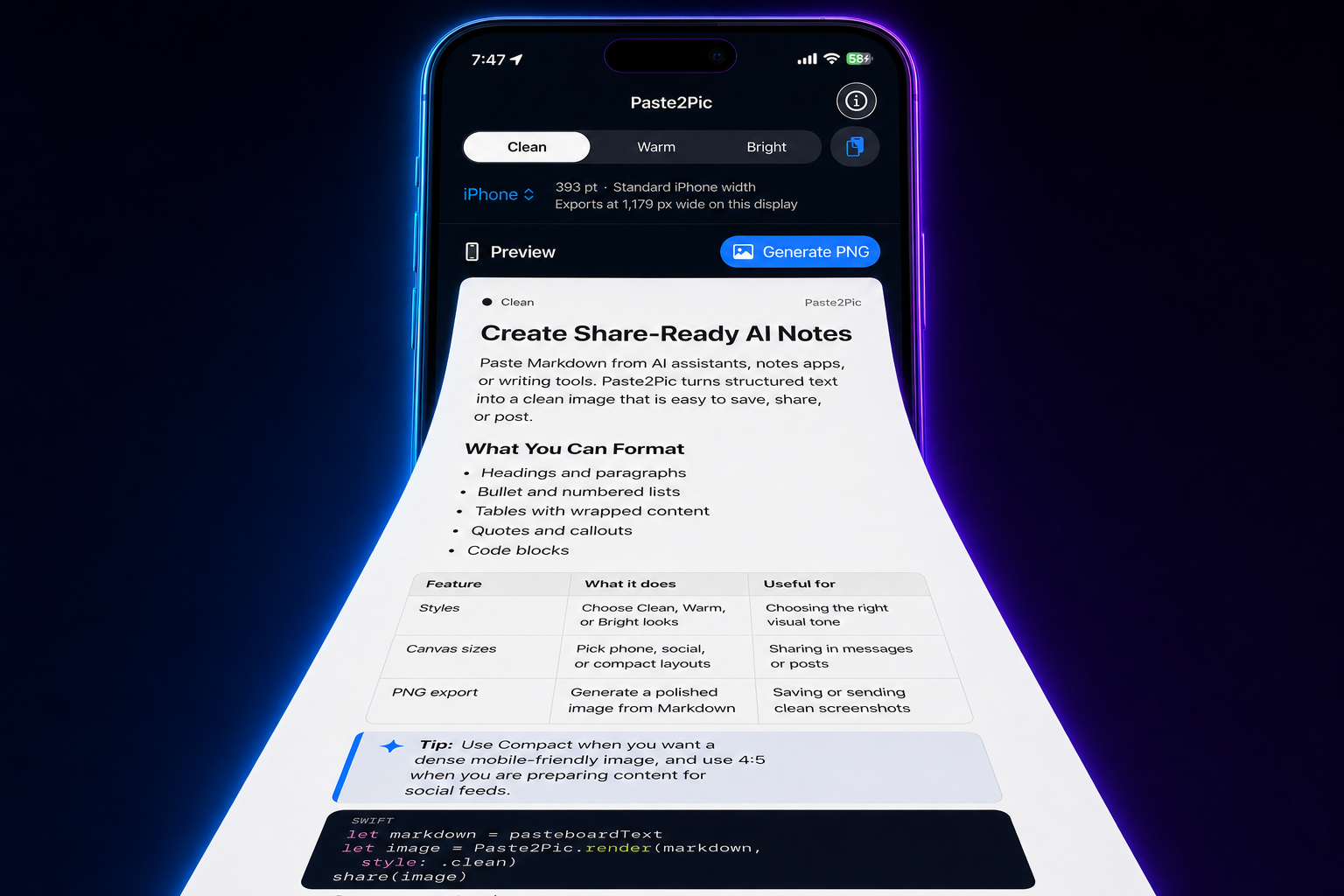
# Create Share-Ready AI Notes

Paste Markdown from AI assistants, notes apps,
or writing tools. Paste2Pic turns structured
text into a clean image that is easy to share.

## What You Can Format

- Headings and paragraphs
- Bullet and numbered lists
- Tables with wrapped content
- Quotes and callouts
- Code blocks

| Feature | What it does | Useful for |
| --- | --- | --- |
| Styles | Clean, Warm, Bright | Visual tone |
| Canvas | Phone or social | Sharing |
| PNG | Polished export | Save or send |

```swift
let image = Paste2Pic.render(markdown)
share(image)
```
Paste · Preview · Export
Markdown in.
Share-ready images out.
Turn Markdown and long AI answers into polished, share-ready PNG images. Keep tables and code readable, choose your style, and export entirely on device.
One clean image
Keep the formatting. Share the full answer.
Paste structured Markdown on one side. Get a polished image on the other—headings, lists, tables, and code included.
Paste2Pic
Create Share-Ready AI Notes
Paste Markdown from AI assistants, notes apps, or writing tools. Paste2Pic turns structured text into a clean image that is easy to share.
What You Can Format
- Headings and paragraphs
- Bullet and numbered lists
- Tables with wrapped content
- Quotes and callouts
- Code blocks
| Feature | What it does | Useful for |
|---|---|---|
| Styles | Clean, Warm, Bright | Visual tone |
| Canvas | Phone or social | Sharing |
| PNG | Polished export | Save or send |
let image = Paste2Pic.render(markdown)
share(image)
Readable tablesSyntax-friendly codeOne continuous PNGNo uploads
One answer. One image.
Made for long AI answers.
No stitching. Nothing left behind.
Three reading styles
Choose a style that fits.
Same content. Your look.
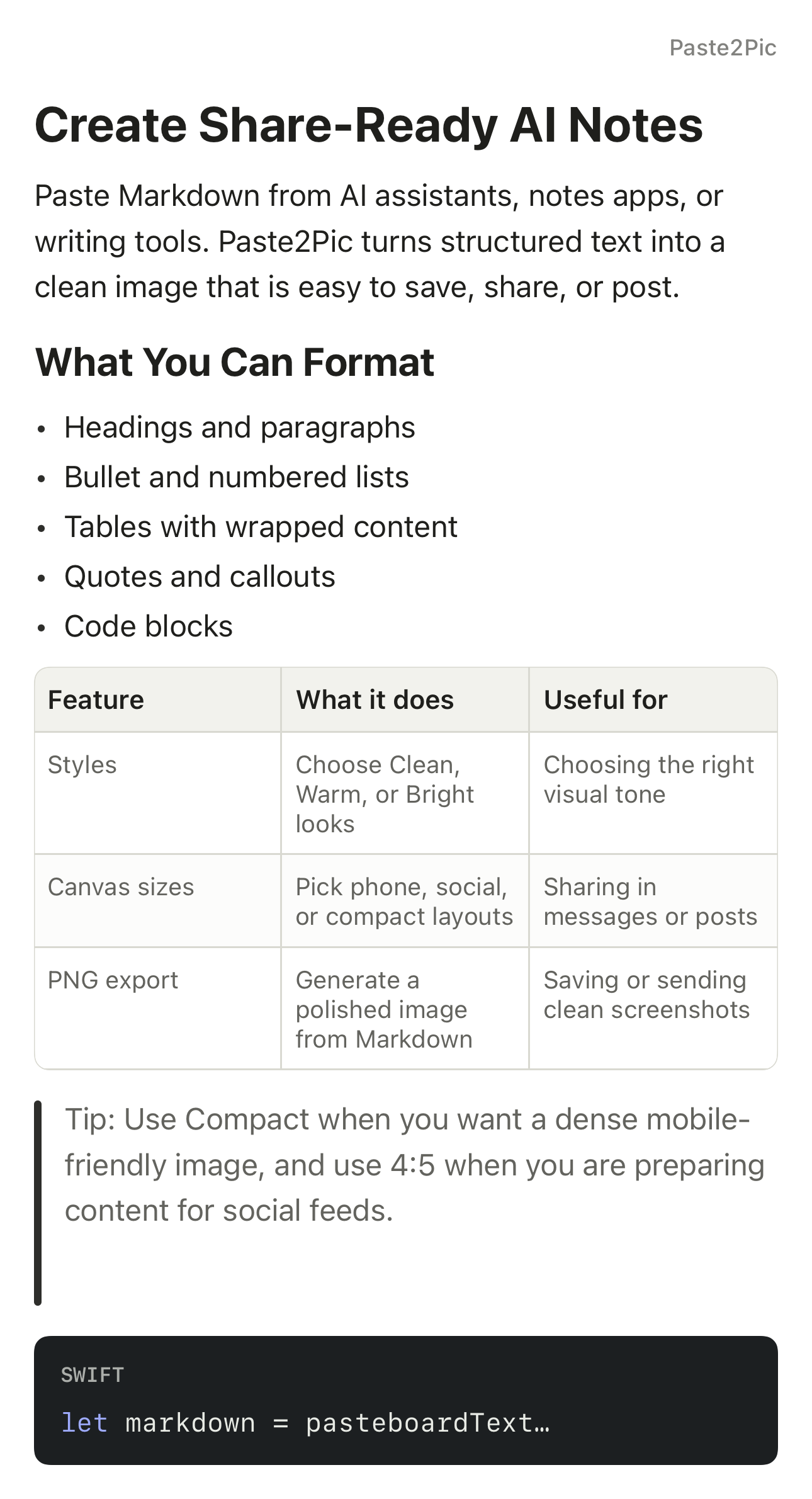
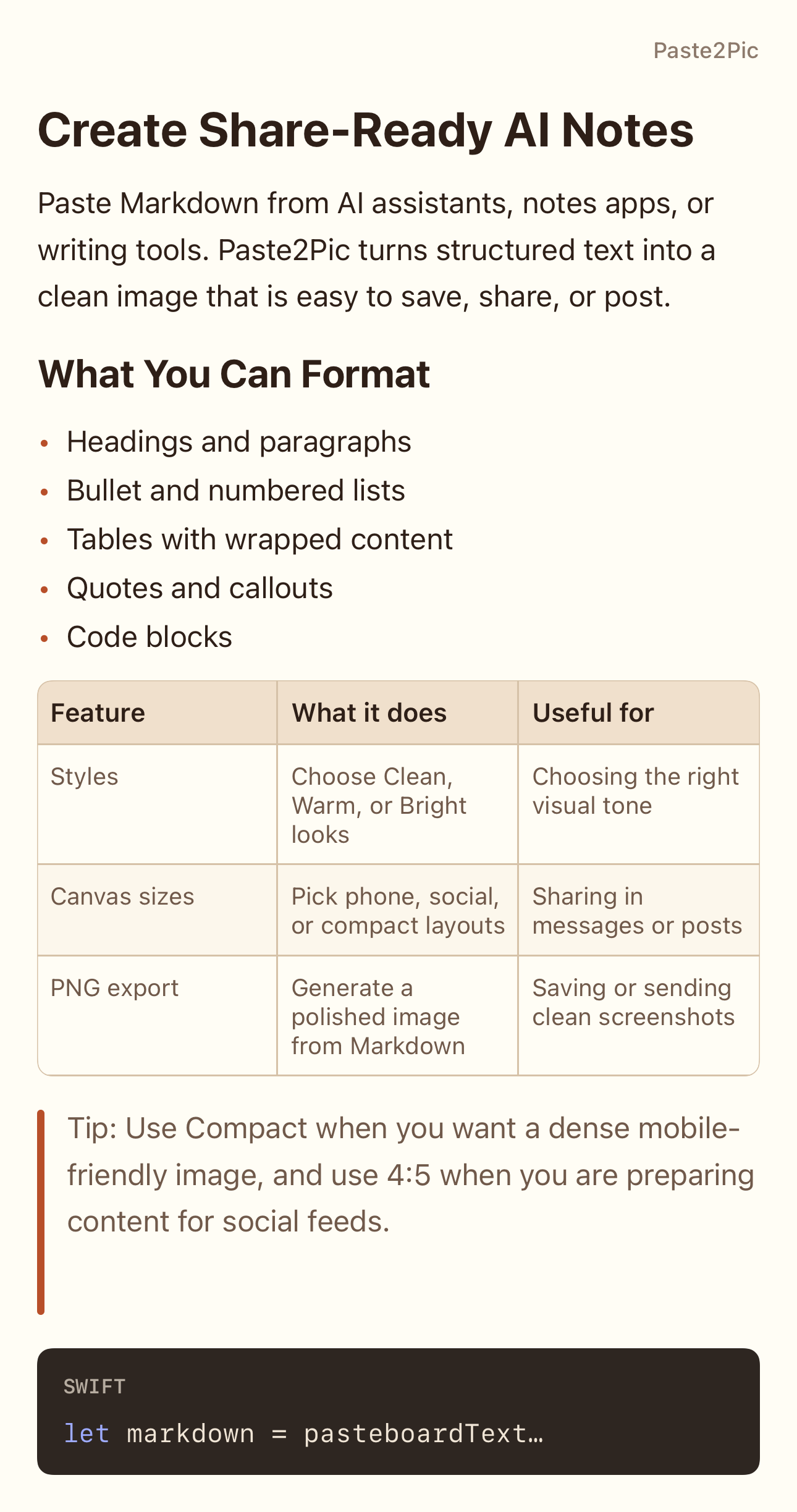
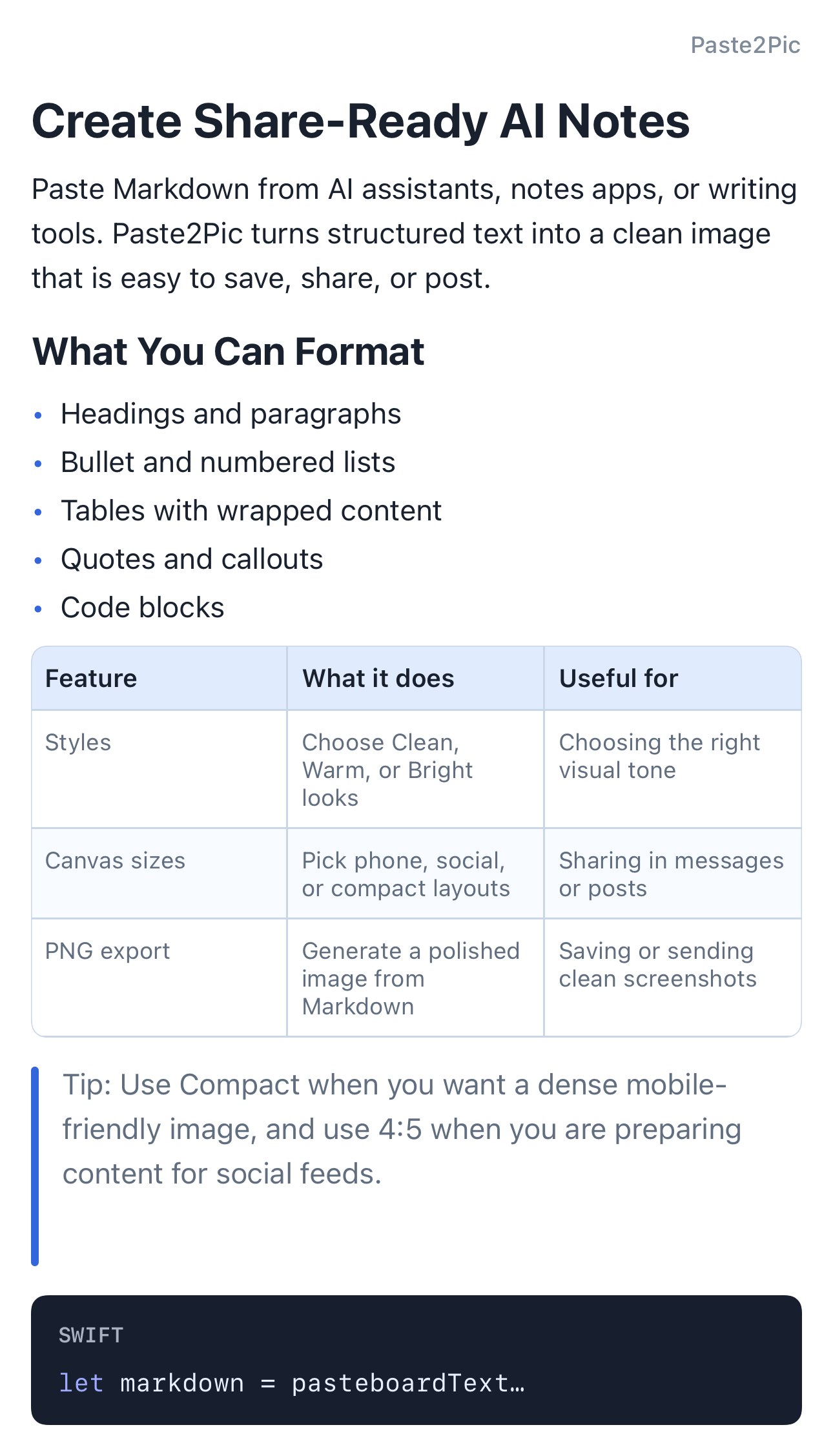
Select a style or swipe the preview.
Built for structured content
Keep what makes long answers readable.
Paste2Pic preserves the structure of copied content, renders it as one continuous image, and keeps the whole workflow simple.
Readable tables and code
Keep headings, lists, quotes, Markdown tables, code blocks, and common symbols easy to scan.
Flexible canvas widths
Choose a device-aware, compact, or social-friendly width before you export.
Preview before export
Edit the Markdown and confirm the final result before generating your PNG.
A faster workflow
Paste. Preview. Export.
No complicated editor. Go from copied content to a finished image in three straightforward steps.
Paste Markdown
Bring in an AI answer, note, technical explanation, comparison, or plan from your clipboard.
Check the preview
Edit the source, confirm the formatting, and choose the style and width that fit your destination.
Save or share PNG
Generate one polished PNG, save it to Photos, or send it through the iOS system share sheet without creating an extra library copy.
Private by design
Nothing leaves your device.
Pasted content and generated images are processed locally. Paste2Pic does not require an account or include advertising, analytics, or tracking.
Read the Privacy Policy →
No account
No uploads
No tracking
Ready when your answer is
Keep the formatting. Share the full answer.
No complicated editor. No screenshot stitching. Just one readable image, ready to send. Available now for iPhone and iPad; Android is coming soon.